This article describes how to upload the siemens s7-300 PLC project.
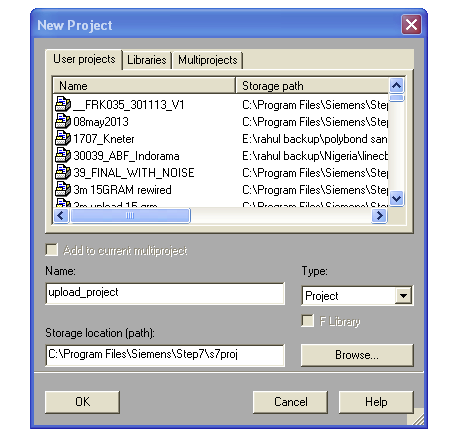
Step 1: Create a new project in Simatic Manager Step7 5.5 with proper name and path.
Step 2: Make SET PG/PC setting.
We have so many way depends on type off plc to choose communication protocol list are below
PC Adapter
CP 5512
TCP/IP
TS Adapter
We are use hare PC Adapter its convenient to use
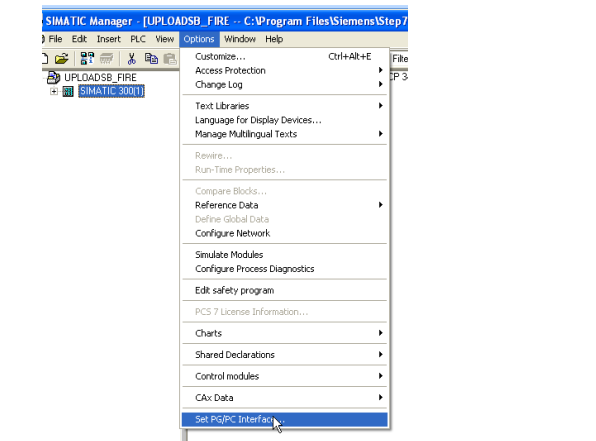
We make the setting hare PC Adapter (MPI)
Select Transmission rate,
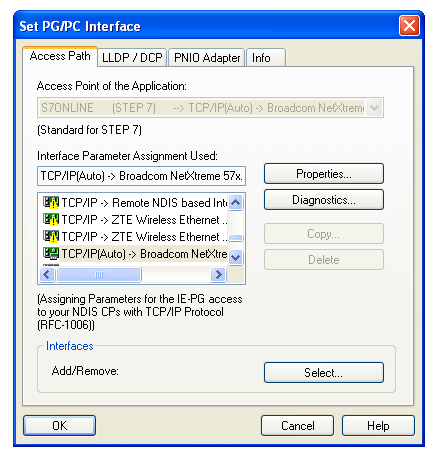
MPI address (This is your pg MPI Address not of plc MIP Address )
Step 3: Select PLC & upload PLC Backup
Select PLC option from toolbar
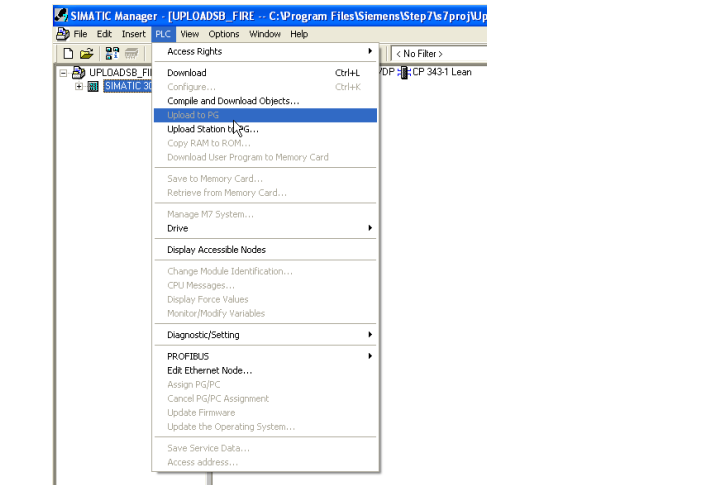
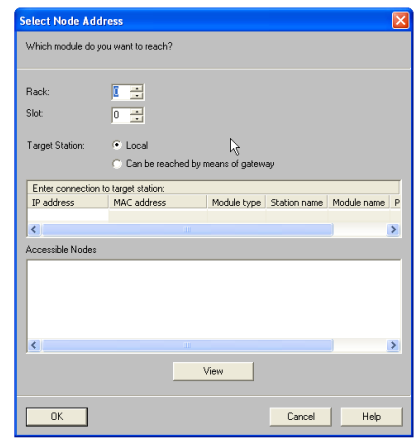
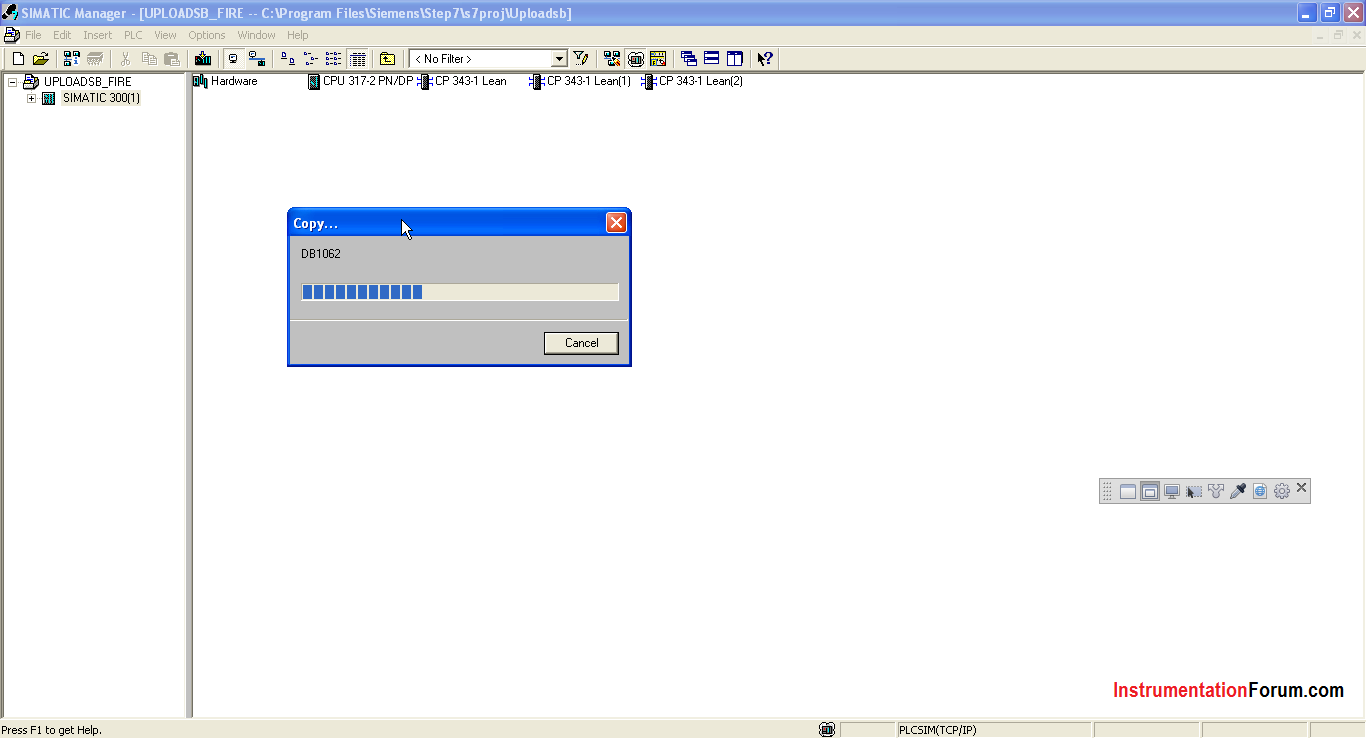
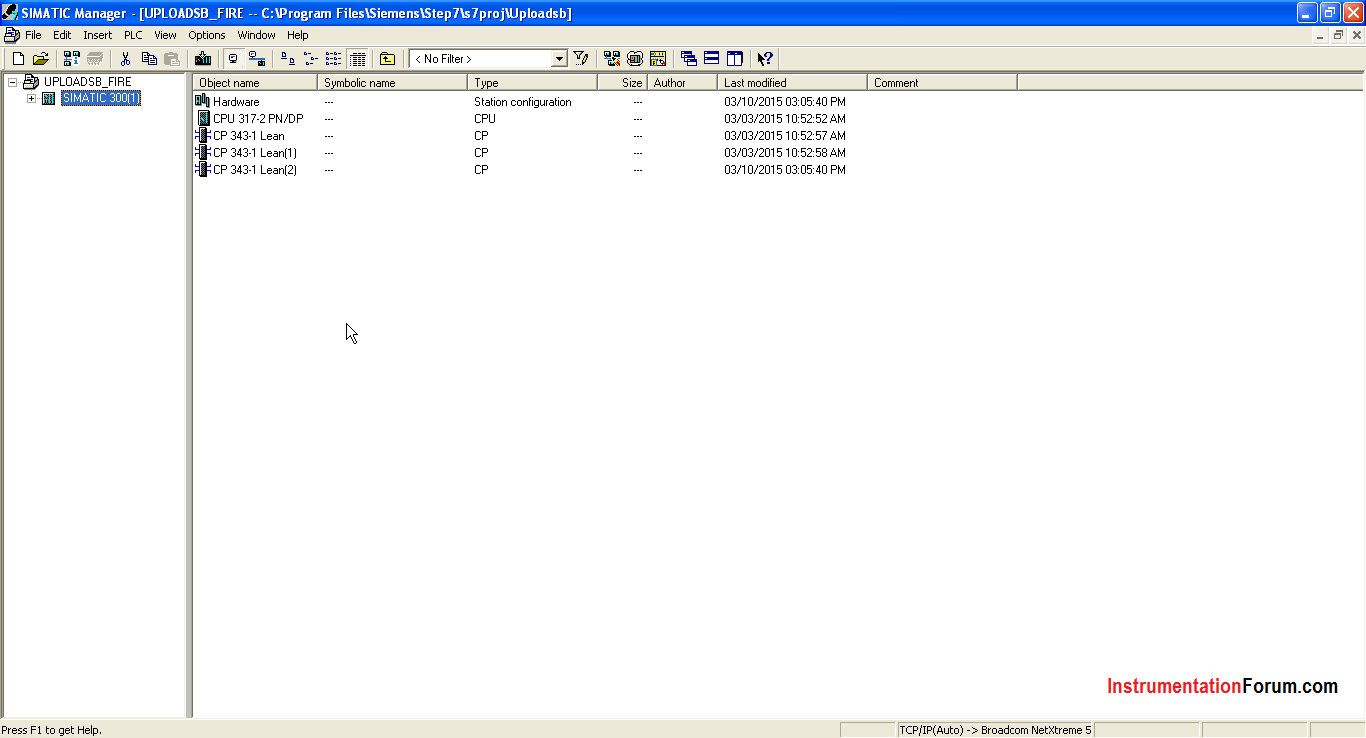
Select Upload Station To PG.